Buying a new or pre-owned Apple device is exciting — but it can also be risky if you don’t check the right things before making the payment. Whether you are buying an iPhone, MacBook, iPad, iWatch, or iMac, a proper inspection can save you from hidden defects, expensive repairs, and duplicate or stolen devices.
Many people visit an Apple service store in JP Nagar or an Apple repair store in JP Nagar only after they discover problems. But smart buyers verify everything before purchasing.
Here is a complete professional checklist you should follow before buying any Apple device.
✅ 1. Check Warranty Status
Always verify the official Apple warranty using the device serial number on Apple’s website.
Why this matters:
- Confirms authenticity
- Shows device activation date
- Reveals if warranty is valid or expired
- Helps estimate future repair cost
If the warranty is already expired, you may need Apple repair in JP Nagar sooner than expected. For used devices, this is one of the most important checks.
✅ 2. Verify IMEI / Serial Number
For iPhone and cellular iPad models, check the IMEI number. For MacBook, iMac, and iWatch, verify the serial number.
Match the number in:
- Device settings
- Original box
- Invoice
If numbers don’t match, do not buy.
This helps avoid:
- Stolen devices
- Refurbished devices sold as new
- Duplicate or replaced motherboard units
Many customers need iPhone motherboard repair in JP Nagar after buying tampered devices — verification prevents this.
✅ 3. Check Battery Health
Battery replacement is one of the most common repairs.
Before buying:
- Check battery health percentage (iPhone & iPad)
- Test battery backup
- Look for sudden shutdowns
- Check charging speed
Low battery health means you may soon need:
- iPhone battery replacement in JP Nagar
- MacBook battery replacement in JP Nagar
- iPad battery replacement in JP Nagar
- iWatch battery replacement in JP Nagar
A weak battery reduces performance and increases future cost.
✅ 4. Inspect Display Carefully
Display repairs are expensive, especially for Apple devices.
Check for:
- Dead pixels
- Yellow spots
- Lines or flickering
- Touch response issues
- Brightness consistency
If the display is damaged, you may need:
- iPhone screen / display replacement in JP Nagar
- MacBook screen replacement in JP Nagar
- iPad display / screen repair in JP Nagar
- iMac display / screen replacement in JP Nagar
- iWatch screen replacement in JP Nagar
Always test brightness at full and low levels.
✅ 5. Test Camera Functionality
Open both front and rear cameras and test:
- Focus speed
- Image clarity
- Video recording
- Flash
- Camera switching
Camera issues may require:
- iPhone camera replacement in JP Nagar
- iPhone camera fix in JP Nagar
Camera modules are delicate and costly to repair, so never skip this step.
✅ 6. Check Charging Port and Charging Performance
Plug in the charger and verify:
- Charging starts instantly
- Cable fits properly
- No loose connection
- No overheating
Charging issues may require:
- iPhone charging dock port repair in JP Nagar
- MacBook charging dock port repair in JP Nagar
- iPad charging dock port replacement in JP Nagar
- iWatch charging dock port repair in JP Nagar
- iMac charging dock port service in JP Nagar
Loose or damaged ports are common in used devices.
✅ 7. Verify Storage Capacity
Always confirm storage in device settings.
Make sure:
- Storage matches seller claim
- No hidden system restrictions
- Device not heavily filled with unknown data
Incorrect storage listing is a common resale trick.
✅ 8. Test Speaker and Microphone
Play audio and record voice.
Check for:
- Distorted sound
- Low volume
- Mic not working
- Noise during calls
If faulty, repair may include:
- iPhone speaker / mic replacement in JP Nagar
- iPad speaker / mic repair in JP Nagar
- iMac speaker / mic service in JP Nagar
- iWatch speaker / mic repair in JP Nagar
Sound components are essential for daily use.
✅ 9. Confirm Original Bill / Invoice
Always ask for:
- Original purchase bill
- Seller ID proof (for used device)
- Warranty card (if available)
Without a bill:
- Warranty claims may fail
- Ownership disputes may occur
- Resale value decreases
Professional Apple service in JP Nagar may require purchase proof for certain services.
✅ 10. Avoid Duplicate or Unauthorized Sellers
Buy only from trusted sellers.
Red flags:
- Extremely low price
- No bill
- No warranty
- Pressure to buy quickly
Many devices sold cheaply end up needing:
- Apple motherboard repair in JP Nagar
- Apple liquid damage repair in JP Nagar
- Apple display replacement in JP Nagar
Always choose verified sellers or get professional inspection.
🔍 Professional Device Inspection Before You Buy
If you are unsure how to check everything properly, expert testing is the safest option.
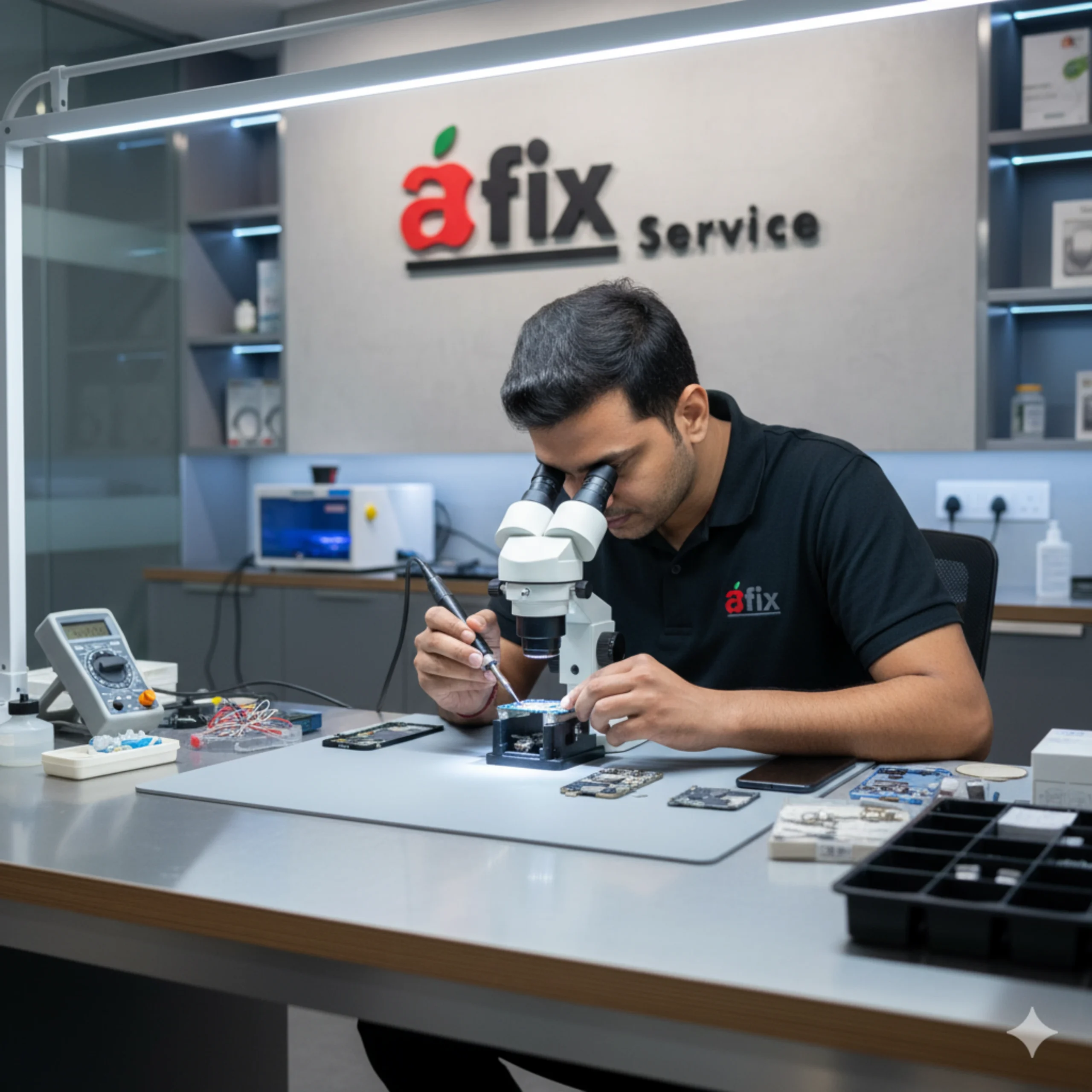
At AFIX SERVICE JP Nagar, professionals provide:
✔ Complete device inspection
✔ Internal hardware testing
✔ Battery health verification
✔ Display diagnostics
✔ Camera testing
✔ Charging port testing
✔ Liquid damage detection
✔ Motherboard condition check
Trusted Apple fix store in JP Nagar for:
- iPhone repair in JP Nagar
- MacBook repair in JP Nagar
- iPad repair in JP Nagar
- iWatch repair in JP Nagar
- iMac repair in JP Nagar
⭐ Final Advice
A few minutes of inspection can save thousands in repair costs. Whether you are buying new or used, never skip testing.
If you want professional help before purchase or need expert Apple repair in JP Nagar, visit AFIX SERVICE JP Nagar — your trusted Apple repair store in JP Nagar for reliable diagnostics and expert service.
Stay smart. Check before you buy. Repair only when necessary.